Request access
Send the one-minute form using the Google account already on your phone.
 Pigeon Pals
Play in your browser
Pigeon Pals
Play in your browser
Pigeon Pals · Android
Raise your flock, run city routes and build a pigeon dynasty—installed on your Android phone through Google Play.
Takes about one minute. Use the Google account signed in on your Android phone; that is how Google Play grants access.
 Test build 0.9.0Approved on Google Play
From signup to rooftop
The test is live, but Google requires each tester's account to be added before the Play Store will show the app.
Send the one-minute form using the Google account already on your phone.
I add your account to the tester list—usually the same day—and send your private install path.
Open the tester link on your phone, tap Become a tester, then install from Google Play.
Seeing “Item not found”? Your Google account is not on the tester list yet, the wrong account is active in Play, or Google's access change is still propagating. Wait for the access email before retrying.
The full game
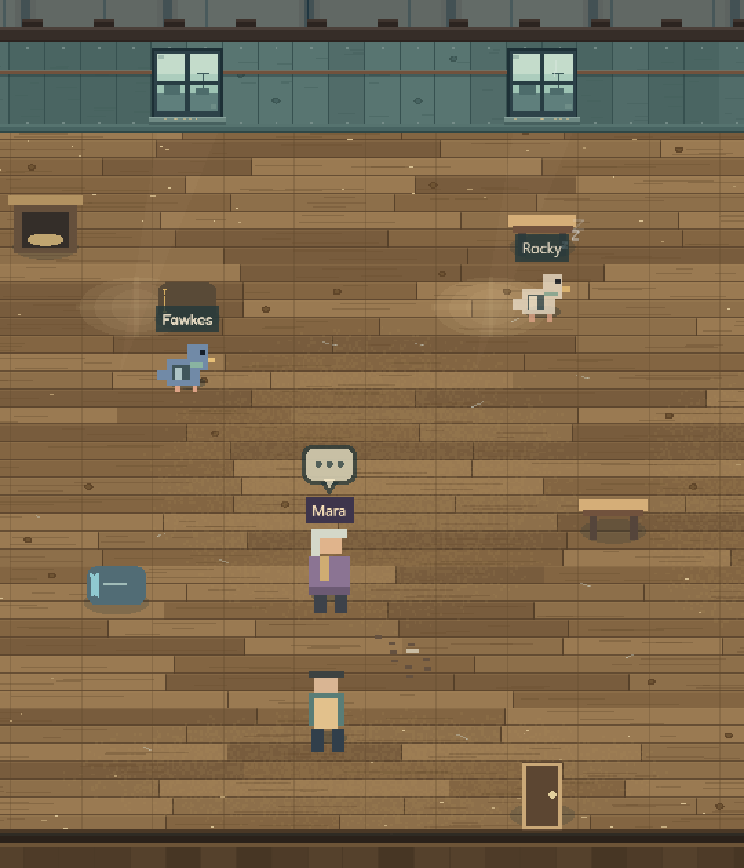
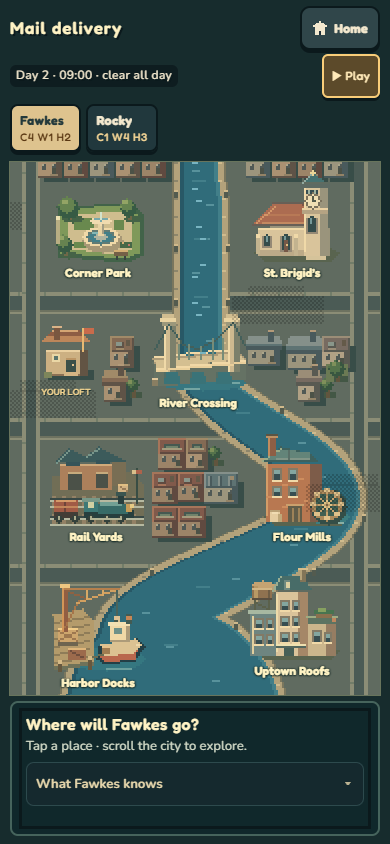
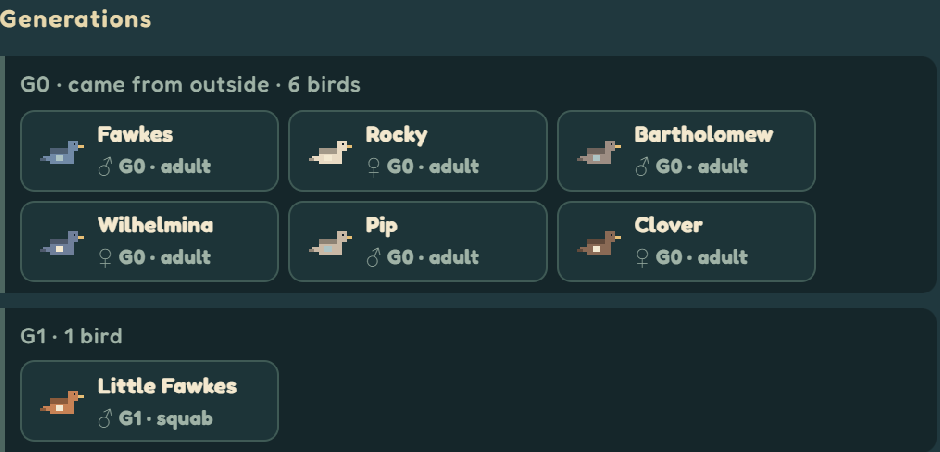
The Android build is the complete browser beta in an app—not a demo, waitlist or stripped-down companion.
Play a few in-game days, keep the test installed and opted in for at least two weeks, then report what broke, confused you or made you care about a bird.
Before you join
An Android phone running Android 7.0 or newer, with a Google account signed in. There is no iPhone app yet; the browser version works on iPhone.
Google Play closed tests use an access list. Your address is used only to add that account to the tester list and send your install link. It is never posted, shared or sold. Ask pigeonpals.support@proton.me to remove it at any time.
Yes. Choose Settings → Export backup in the browser, then Settings → Import backup in the app. The reverse works too. There is no automatic sync between them.
Your loft saves after each night, after a death or loss, and after each casino bet. Closing mid-day returns you to the last checkpoint. Export a backup before uninstalling, because uninstalling deletes the app's local save.
Only anonymous milestone counts—no identifier or stored IP address—and you can switch those off in Settings. Read the full privacy and support notice.